Free cut list optimizer
Plan every cut. Waste less material.
Enter the parts you need and the sheets you have. CutList Optimization finds the layout that uses the fewest sheets and tells you exactly where, and in what order, to cut.
- Free to start
- Nothing to install. First 5 calculations need no account
- Kerf, grain and edge banding

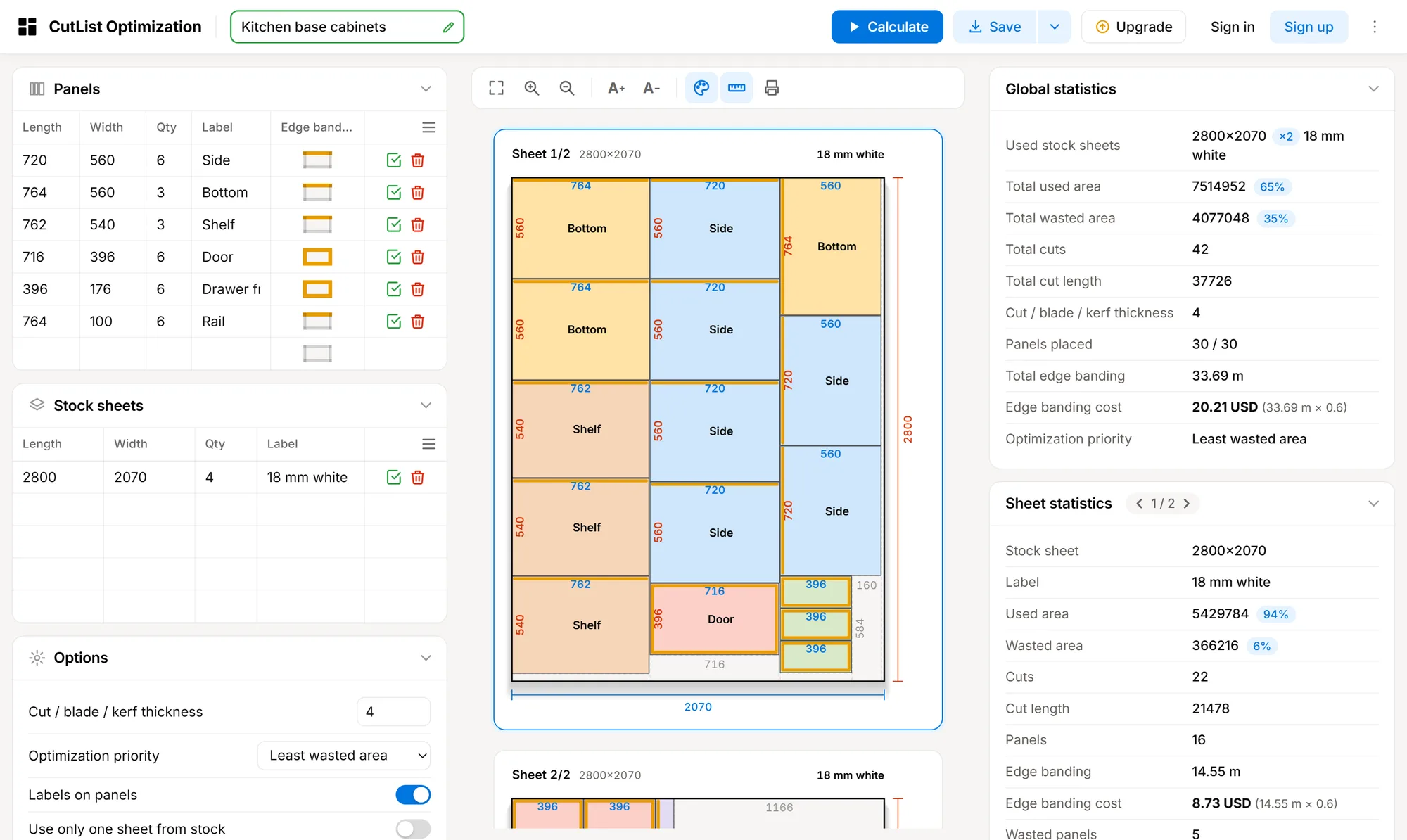
Fewer sheets, less waste
Works with any rectangular sheet material
- Plywood
- MDF
- Melamine
- Chipboard
- Glass
- Acrylic
- Hardboard
How it works
From a parts list to a cutting plan in three steps
No drawing and no software to learn. Type sizes, press Calculate, take the plan to the saw.
-
 1
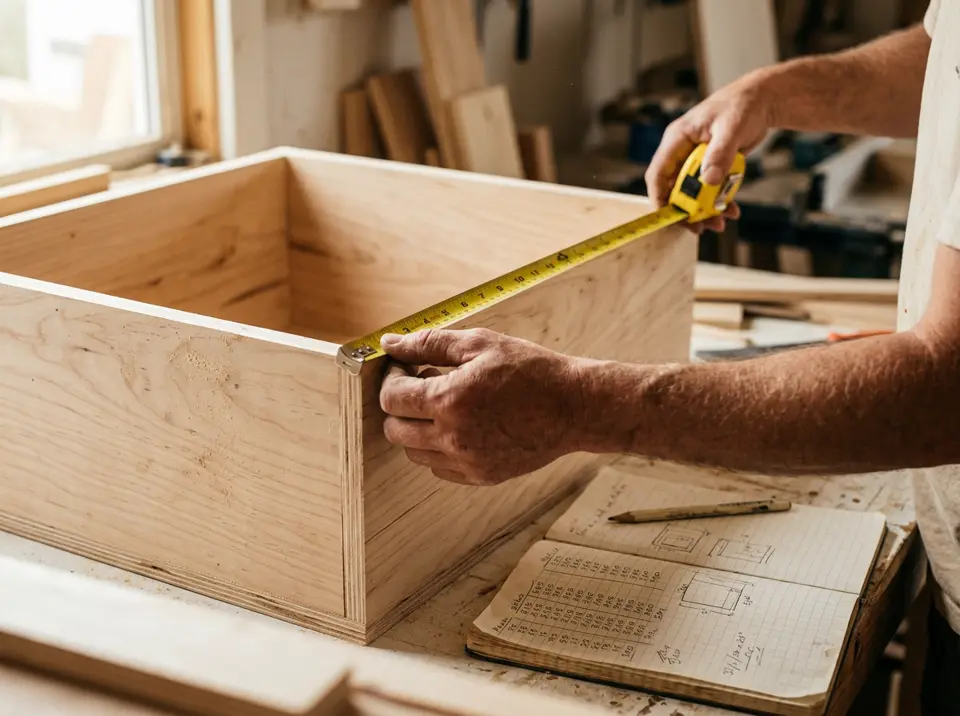
Measure and list your parts
Write down the length, width and quantity of every part, and the size of the sheets you can buy or already have.
-
 2
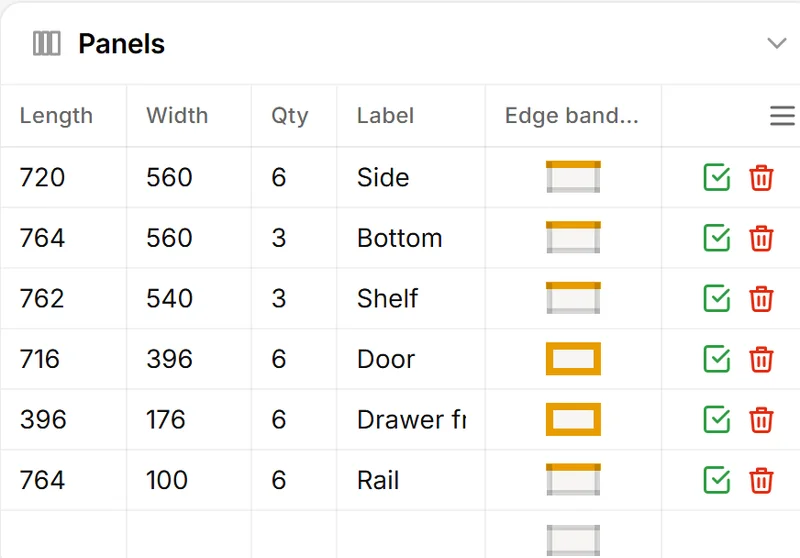
Type them in and press Calculate
The optimizer tries many arrangements for every sheet and keeps the one with the least waste.
-
 3
Cut with confidence
Follow the numbered cut sequence at the saw, sheet by sheet, and know every part will fit.
Calculators
Pick the calculator for your material
Every calculator is the same optimizer with an example and advice for that material. Start with any of them and change the sizes to your own.
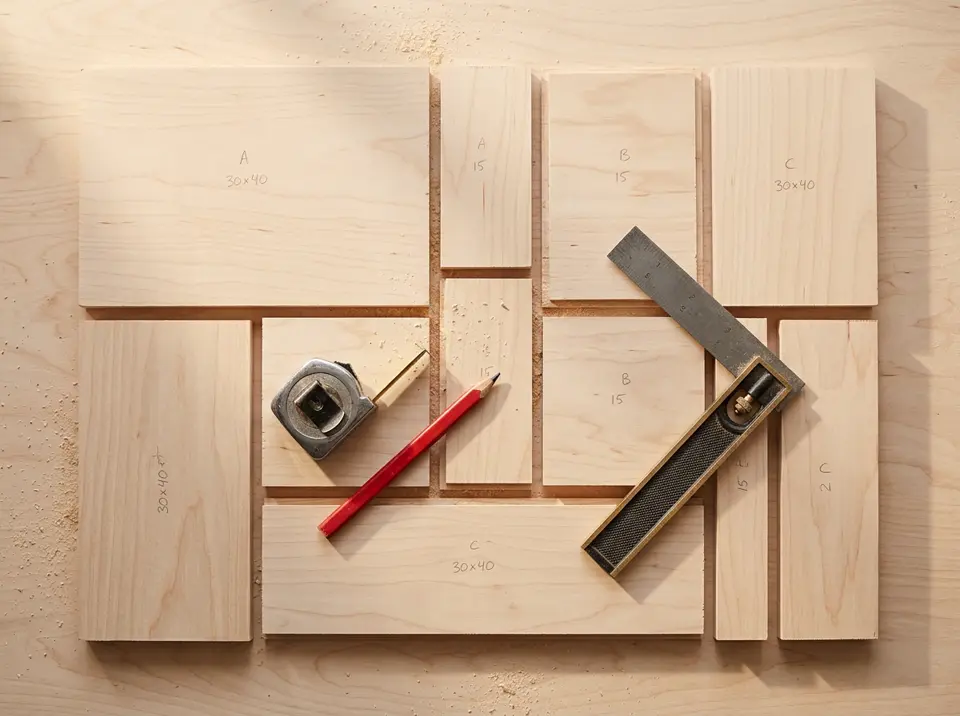 Any sheet material
Cut list optimizer
The full tool for any sheet material: panels, stock sheets, kerf, grain, materials and edge banding.
Open calculator →
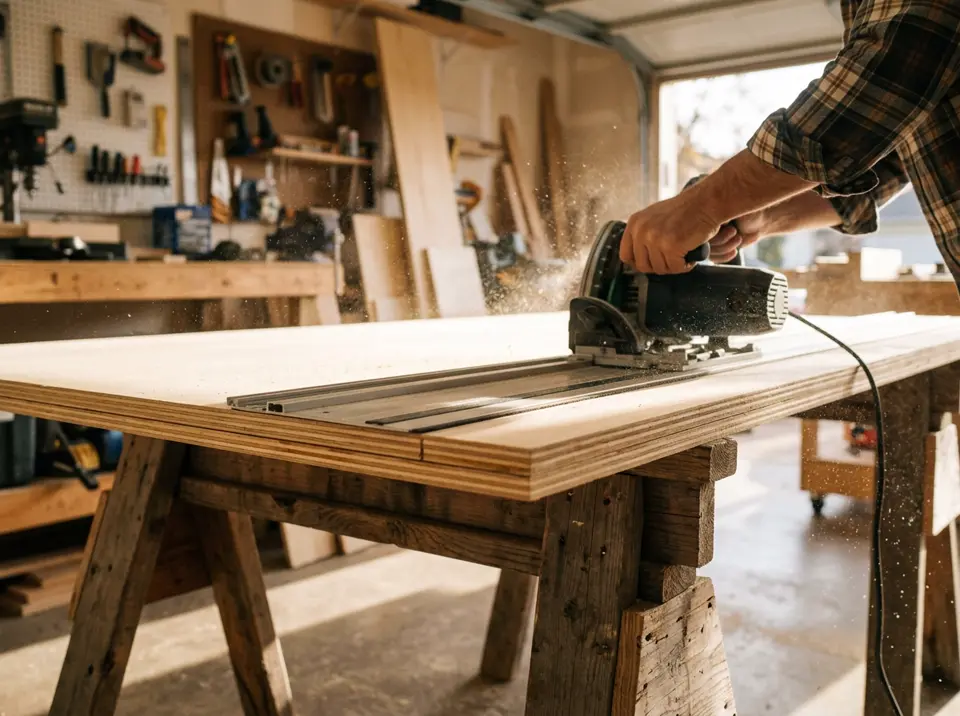 Plywood
 cut calculator
Plan cuts on 4 × 8 ft and 1220 × 2440 mm plywood sheets with the fewest sheets and a simple rip-then-crosscut order.
Open calculator →
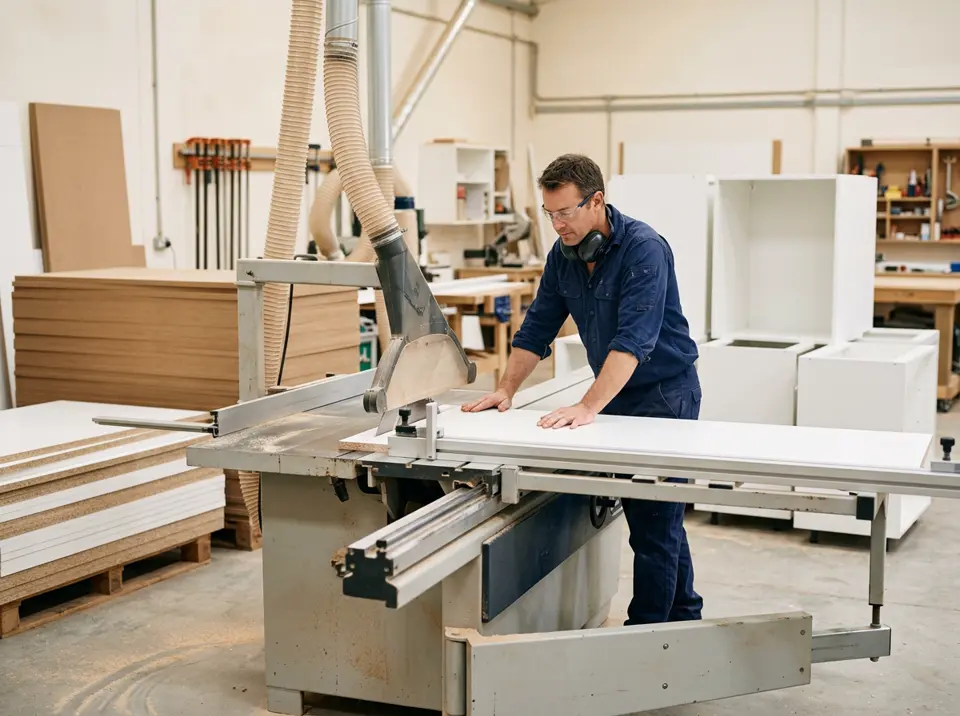 MDF · Melamine · Chipboard
MDF & melamine cut calculator
Cut MDF, melamine and chipboard boards for cabinets and wardrobes, with edge banding totals.
Open calculator →
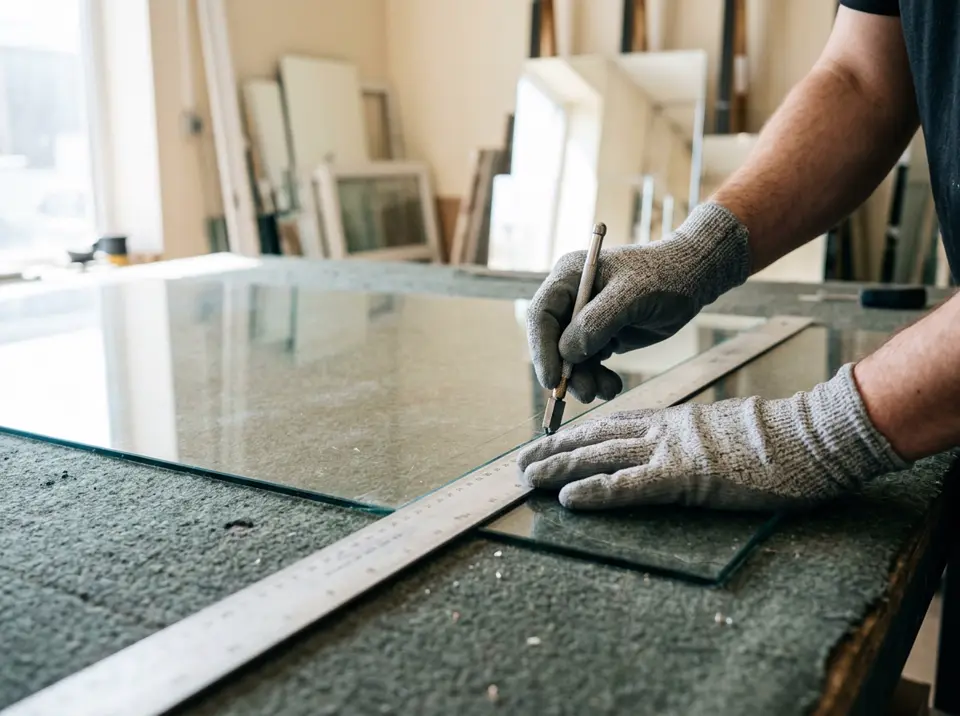 Glass · Mirror · Acrylic
Glass cutting optimizer
Lay out window panes, mirrors and tabletops on glass sheets with straight score lines and less waste.
Open calculator →
Features
Powerful for workshops, simple for everyone
Built for real cutting: the options you need and nothing you have to learn.
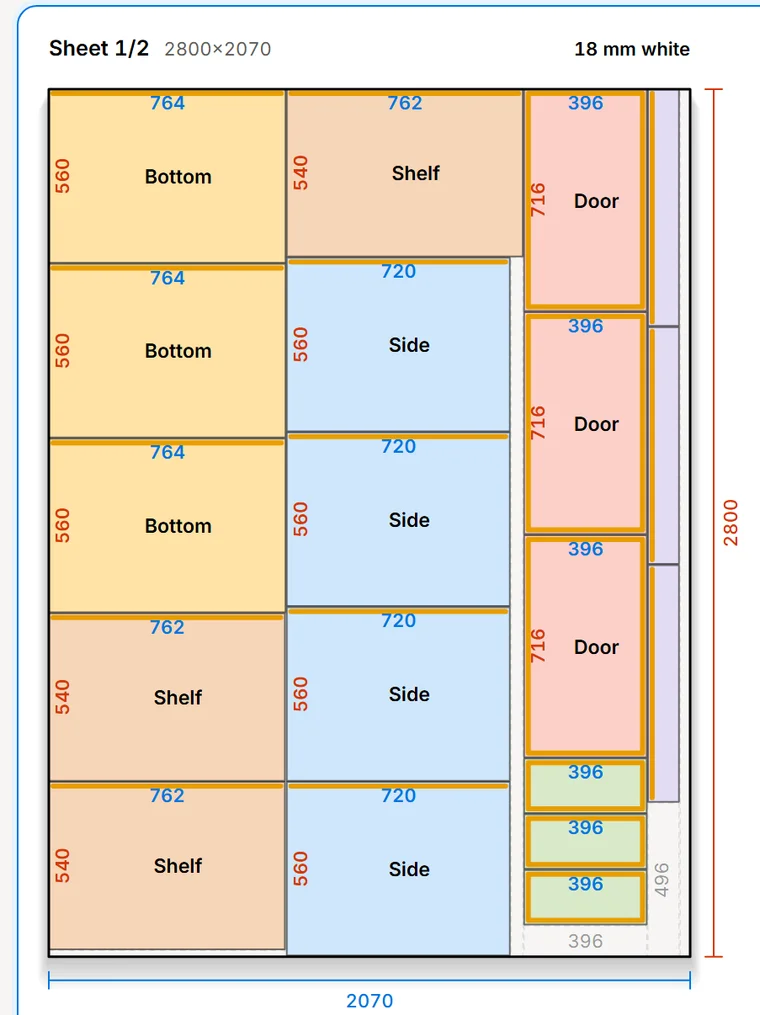
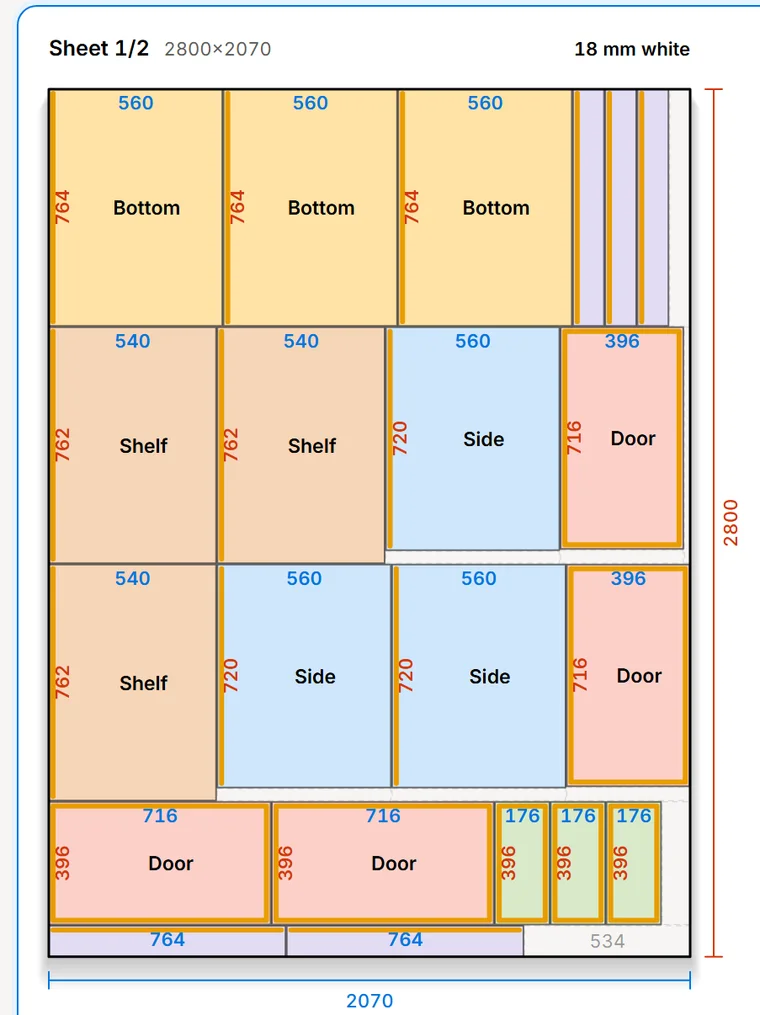
Cutting diagram
Every sheet, drawn to scale
See where each part goes, with its size, its label and the edges that get banding.
- Fewest sheets and the largest usable offcut
- Kerf spacing between every part
- Zoom, colors and dimensions on or off
Statistics
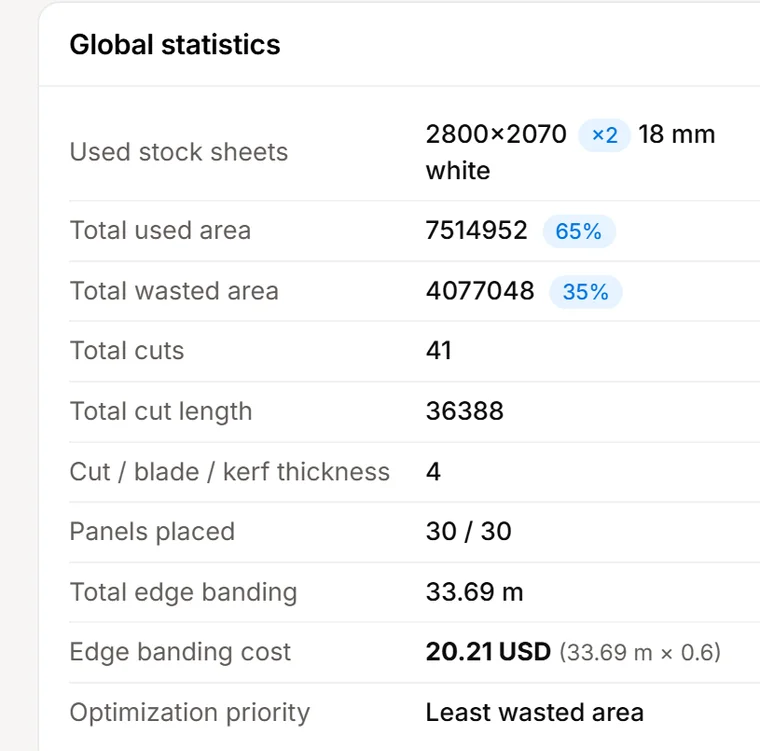
Know the numbers before you buy
Sheets used, used and wasted area, number of cuts, total cut length and edge banding cost, for the job and for each sheet.
- How many sheets to order
- Edge banding length and cost
- Parts that did not fit, if any
Two ways to optimize
Least waste or easiest to cut
Pack parts as tightly as possible, or rip the sheet into full-length strips and line up parts of the same length so they come out of one crosscut.
- Guillotine cuts only
- Click a cut to see it on the sheet
- Print or export it as a PDF
Options
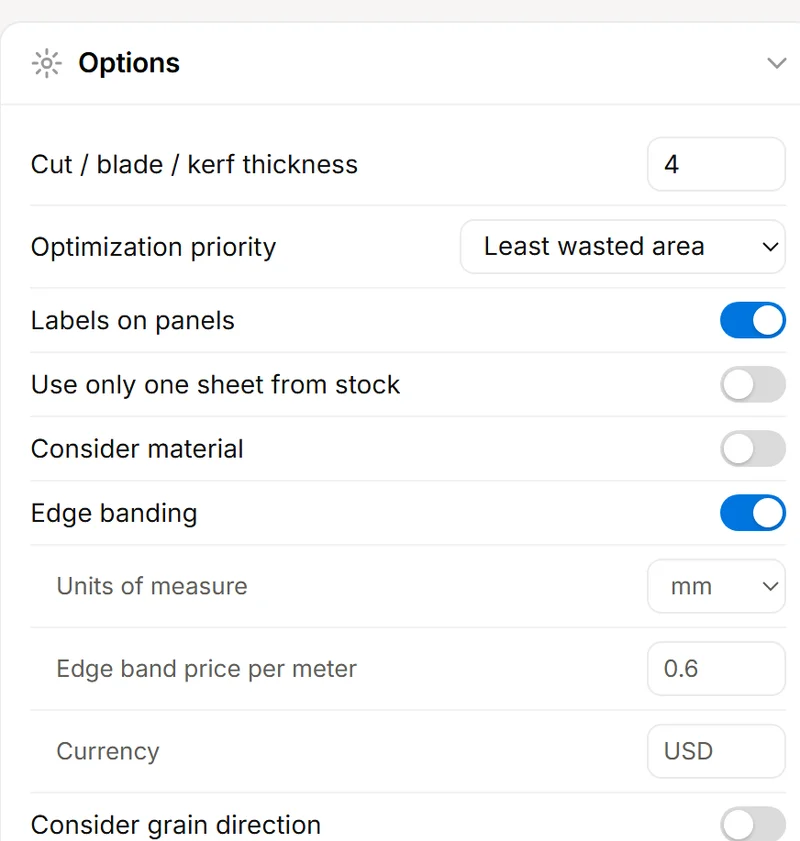
Kerf, grain, materials and edge banding
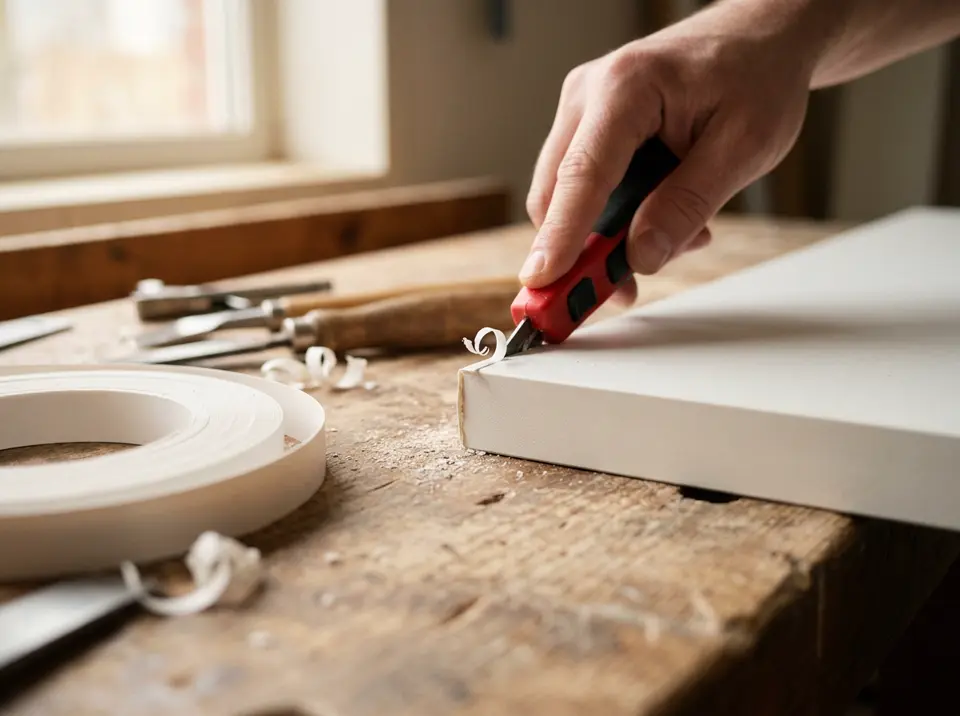
Set your blade thickness, lock parts that must keep their grain, match parts to the right material and get the edge banding total at your price per meter.
Why it pays off
Every sheet you save stays in your pocket
Sheet material is the biggest cost in most cabinet and furniture jobs. A better layout means fewer sheets to buy and fewer mistakes at the saw.
Material
Fewer sheets, less waste
The optimizer tries many arrangements for every sheet and keeps the one with the least waste.
Time
Minutes, not an evening
No sketching layouts by hand. Change a size and calculate again in seconds.
Accuracy
Parts that really fit
Kerf, grain direction and materials are taken into account, so the plan matches the saw.
Cost
No surprises
See the sheet count and the edge banding cost before you order anything.
Who it is for
For anyone who cuts sheets
From a weekend bookshelf to a full kitchen.

Plans
Free to start
Try it without an account. Upgrade only if you cut every day.
Without an account
Free
- A few calculations to try it
- All options and exports
- Projects saved in your browser
Free account
Free
- More calculations every day
- All options and exports
- Sign in with Google or email
Pro and Lifetime
Monthly, or pay once
- Unlimited calculations
- Priority email support
- Supports the project
What is CutList Optimization?
A set of free online cutting calculators. You enter the parts you need and the sheets you have, and the optimizer arranges the parts on the sheets so that you use fewer sheets and waste less material.
Is it free?
Yes. You can calculate without an account, and a free account gives you more calculations every day. Pro and Lifetime plans remove the daily limit.
Which materials can I cut?
Any rectangular sheet material: plywood, MDF, melamine, chipboard, hardboard, acrylic, glass, metal sheet and more. Use the same unit for parts and sheets.
Do I need to install anything?
No. The calculators run in your web browser on a computer, tablet or phone, and your projects are saved in your browser.
Can I print the cutting plan?
Yes. You can print the diagram, export it as a PDF or PNG image, and export the cut list as CSV or JSON.
Are the cuts practical on a table saw or panel saw?
Yes. Every layout uses guillotine cuts, where each cut goes all the way across the piece being cut, and the cuts are numbered in the order you make them.
Free cut list optimizer
The saw does the cutting. We handle the planning.
Open the optimizer, type your sizes and press Calculate. Your first 5 calculations need no account.
Open the cut list optimizer