Any sheet material
Free Cut List Optimizer and Calculator for Plywood, MDF and Sheet Materials
CutList Optimization is a free cut list optimizer and cutting calculator for sheet materials, also known as a cutlist optimiser in the UK and Australia. Enter the panels you need and the sheets you have, press Calculate, and get a cutting diagram that uses as few sheets as possible, with the cut sequence and waste figures for every sheet. It runs in your browser: nothing to install, and your first 5 calculations need no account.
Try it above ↑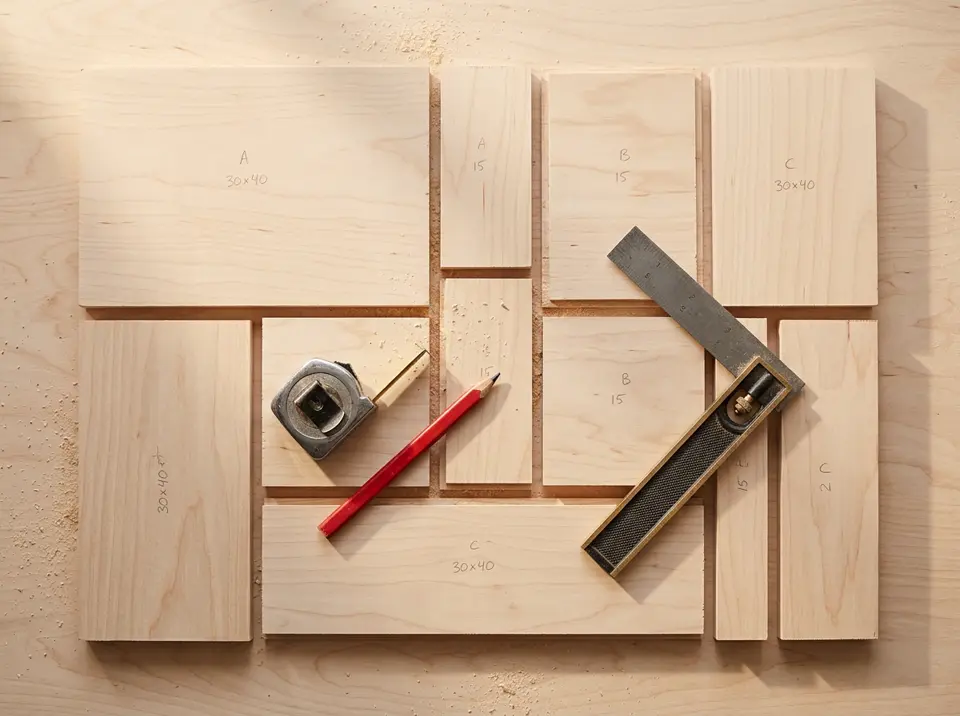
How to use the cut list calculator
- Add your panels. In the Panels table enter the length, width and quantity of each part. Add a label if you want to find parts easily on the diagram.
- Add your stock sheets. Enter the size and quantity of the sheets you can use, for example a 2440 × 1220 mm (8 × 4 ft) plywood sheet.
- Set the options. Enter your saw blade thickness (kerf), and turn on grain direction, material matching or edge banding if you need them.
- Press Calculate. The optimizer searches for the best layout and shows each sheet, the cuts to make in order, and how much material is wasted.
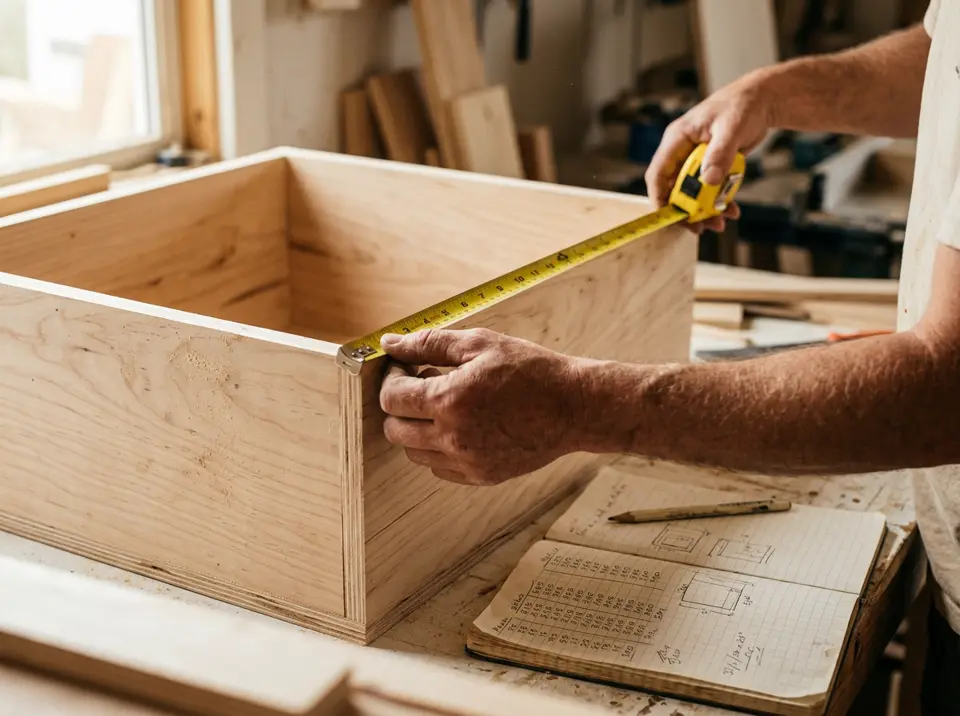
What the optimizer takes into account
Kerf
Each cut removes material the width of your blade. Set the kerf and every cut in the layout is spaced for it, so the parts really fit.
Grain direction
Lock panels that must keep their grain direction. Locked panels are never rotated, which matters for veneered plywood and solid-look finishes.
Materials
Give each panel and sheet a material (for example 18 mm MDF or 12 mm plywood). Panels are only placed on sheets of the same material.
Edge banding
Mark which edges of each panel get banding. You get the total length, the length per sheet and the cost at your price per meter.
Cutting diagram
See every sheet drawn to scale with part sizes, labels and a numbered cut sequence you can follow at the saw.
Save and export
Save projects in your browser, export the cut list as CSV or JSON, or print the diagram as a PDF to take to the workshop.
Common sheet sizes
These are typical sizes sold for plywood, MDF and particle board. Availability varies by supplier and country, so check what your lumber yard stocks.
| Name | Millimeters | Inches |
|---|---|---|
| 4 × 8 ft sheet | 1220 × 2440 | 48 × 96 |
| 4 × 10 ft sheet | 1220 × 3050 | 48 × 120 |
| 5 × 5 ft sheet (Baltic birch) | 1525 × 1525 | 60 × 60 |
| Melamine / chipboard (common in Europe) | 2800 × 2070 | 110 × 81.5 |
Frequently asked questions
What is a cut list optimizer?
A cut list optimizer takes a list of the parts you need to cut and the sheets or boards you have, and works out how to arrange the parts on the sheets so that less material is wasted and fewer sheets are needed. The result is a cutting diagram, sometimes called a cut sheet or cutting plan.
Is this cut list calculator free?
Yes. You can try it without an account, and a free account gives you more calculations every day. Your projects stay in your browser. Pro and Lifetime plans remove the daily limit.
What is kerf and why does it matter?
Kerf is the thickness of material your saw blade removes. A standard table saw blade has a kerf of about 3 mm (1/8 in) and a thin-kerf blade about 2.4 mm (3/32 in). Ignoring it makes parts come out smaller than planned, so enter your blade thickness in the options.
Can I use it for MDF, melamine, glass or other sheet materials?
Yes. The optimizer works with any rectangular sheet material and any units of length. Just enter your sheet and panel sizes in the same unit.
Is this a cutting calculator for sheets or for lumber and pipe?
It is a cutting calculator for flat sheets: plywood, MDF, melamine, particle board, glass and other rectangular panels. It plans two-dimensional cuts, where each part has a length and a width. It does not plan cuts along a single length of lumber, pipe or bar stock.
Why does it say some panels did not fit?
Either a panel is larger than every available sheet, no sheet of its material is left, or the “Use only one sheet from stock” option is on. Add more stock or turn that option off and calculate again.
Does it make guillotine cuts?
Yes. The layouts use guillotine cuts, meaning each cut goes all the way across the piece being cut. That is how a table saw or panel saw works, so the cut sequence is practical to follow in a workshop.
More cutting calculators
The same optimizer, with an example and advice for each material.
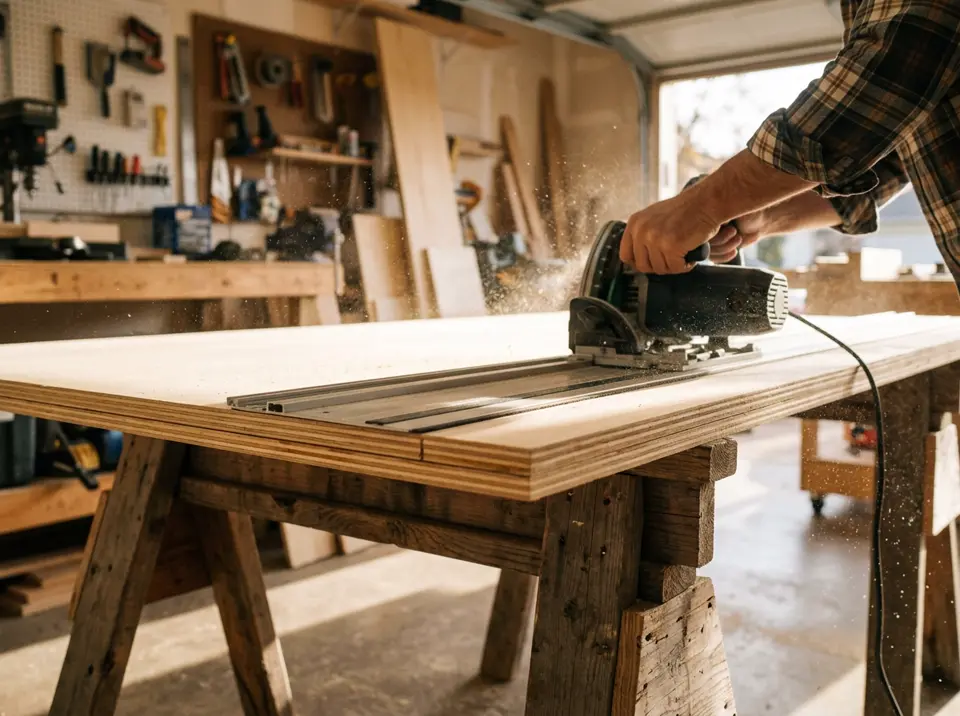 Plywood
 cut calculator
Plan cuts on 4 × 8 ft and 1220 × 2440 mm plywood sheets with the fewest sheets and a simple rip-then-crosscut order.
Open calculator →
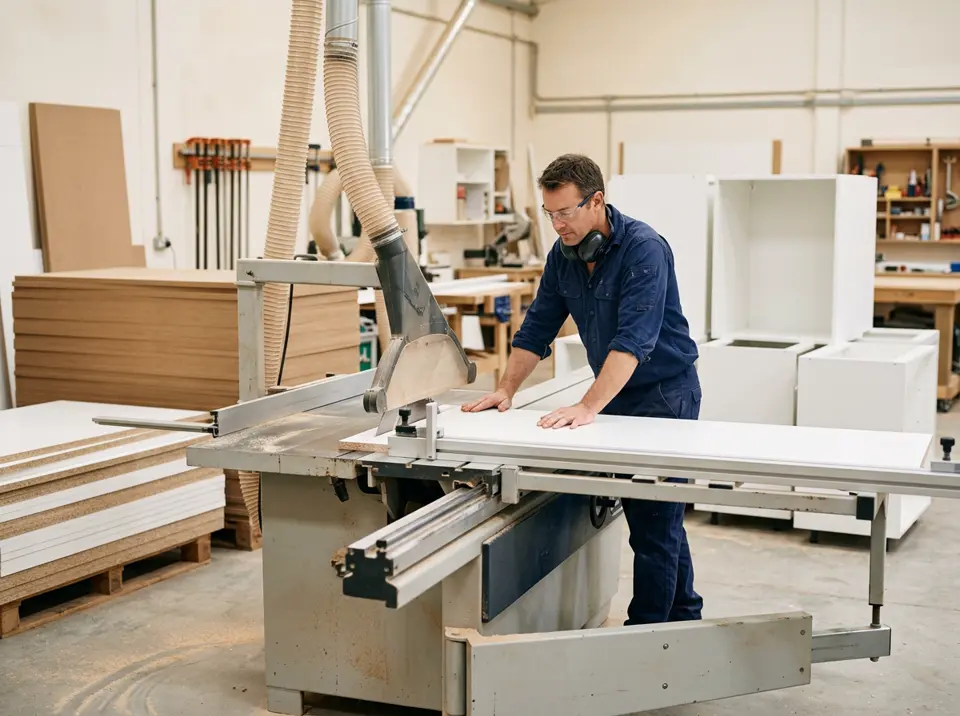 MDF · Melamine · Chipboard
MDF & melamine cut calculator
Cut MDF, melamine and chipboard boards for cabinets and wardrobes, with edge banding totals.
Open calculator →
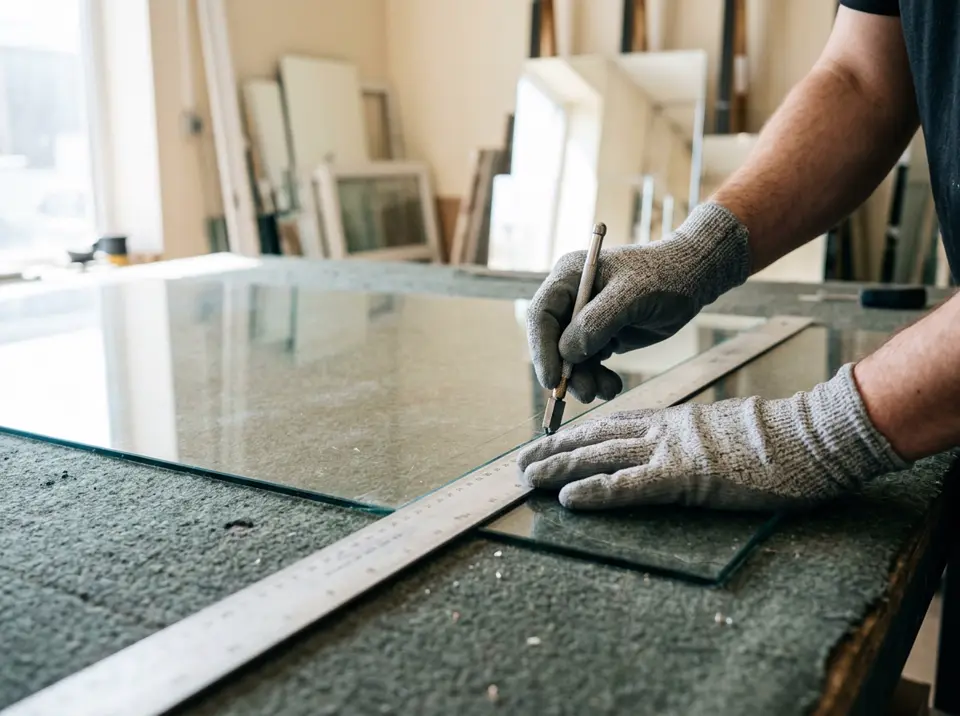 Glass · Mirror · Acrylic
Glass cutting optimizer
Lay out window panes, mirrors and tabletops on glass sheets with straight score lines and less waste.
Open calculator →